Read announcements from your property
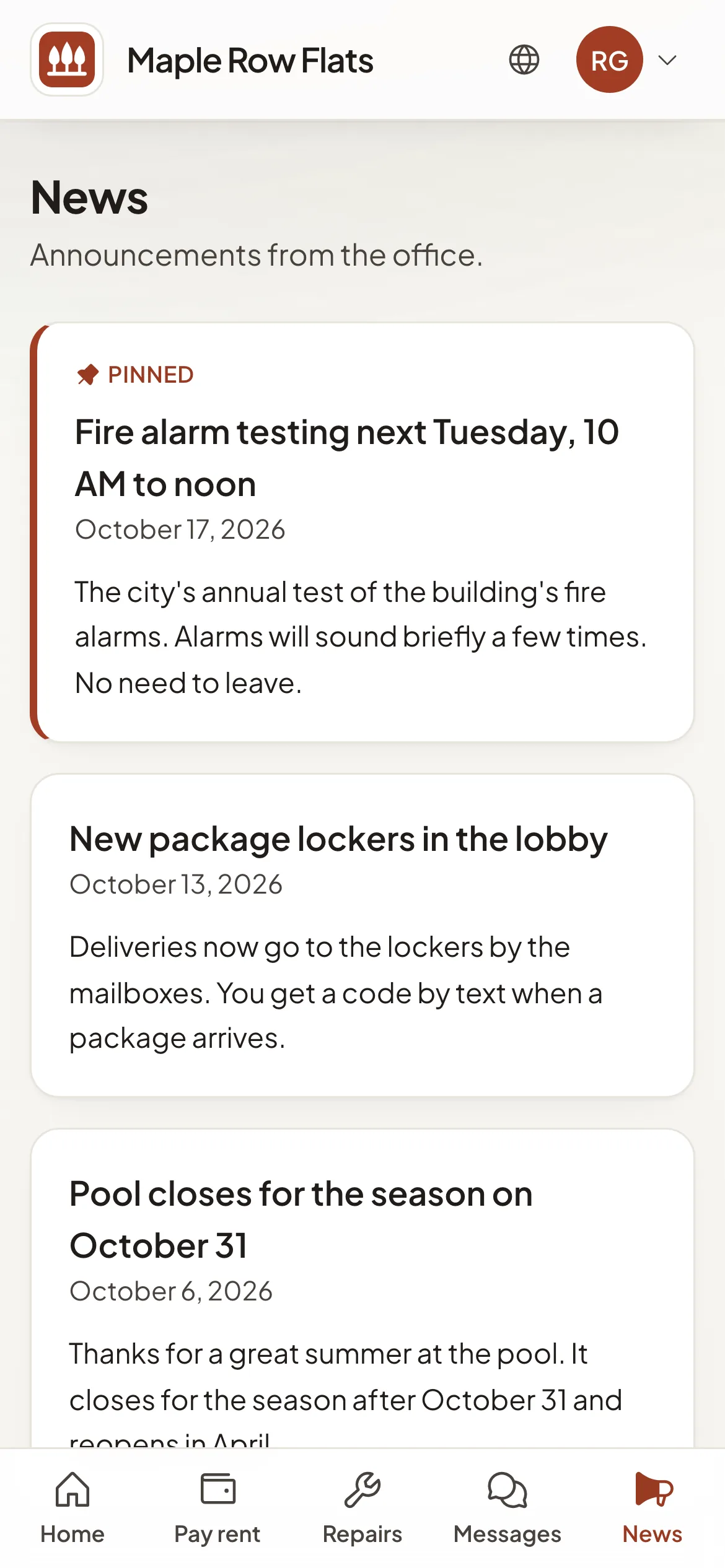
News from your property office appears on your resident portal's home and on its News page.
Your property office can post announcements in your resident portal for everyone who lives there.
Where to find them
The portal's Home shows the three latest under News from the office. Open News to see every announcement; when there are more than three, All news on the home takes you there too.
Pinned announcements come first and are marked Pinned. In your Holuway dashboard, the Your resident portal card in My home shows the latest one under Latest from the office.
Good to know
- Announcements are not emailed. Check the portal for news.
- If your portal has no News, your property does not post announcements there.
- To ask about an announcement, use Messages, or the office's phone or email on the portal's home.